
In every Office Automation class I teach, students ask which Excel formulas they really need for a job. These ten cover most day-to-day office work. Learn them well and you will be faster than most of your colleagues.
The essential ten
- SUM — adds a range: =SUM(B2:B20)
- AVERAGE — the mean of a range: =AVERAGE(C2:C20)
- IF — makes a decision: =IF(D2>=50,"Pass","Fail")
- COUNTIF — counts matching cells: =COUNTIF(E:E,"Paid")
- SUMIF — adds matching rows: =SUMIF(A:A,"Lahore",B:B)
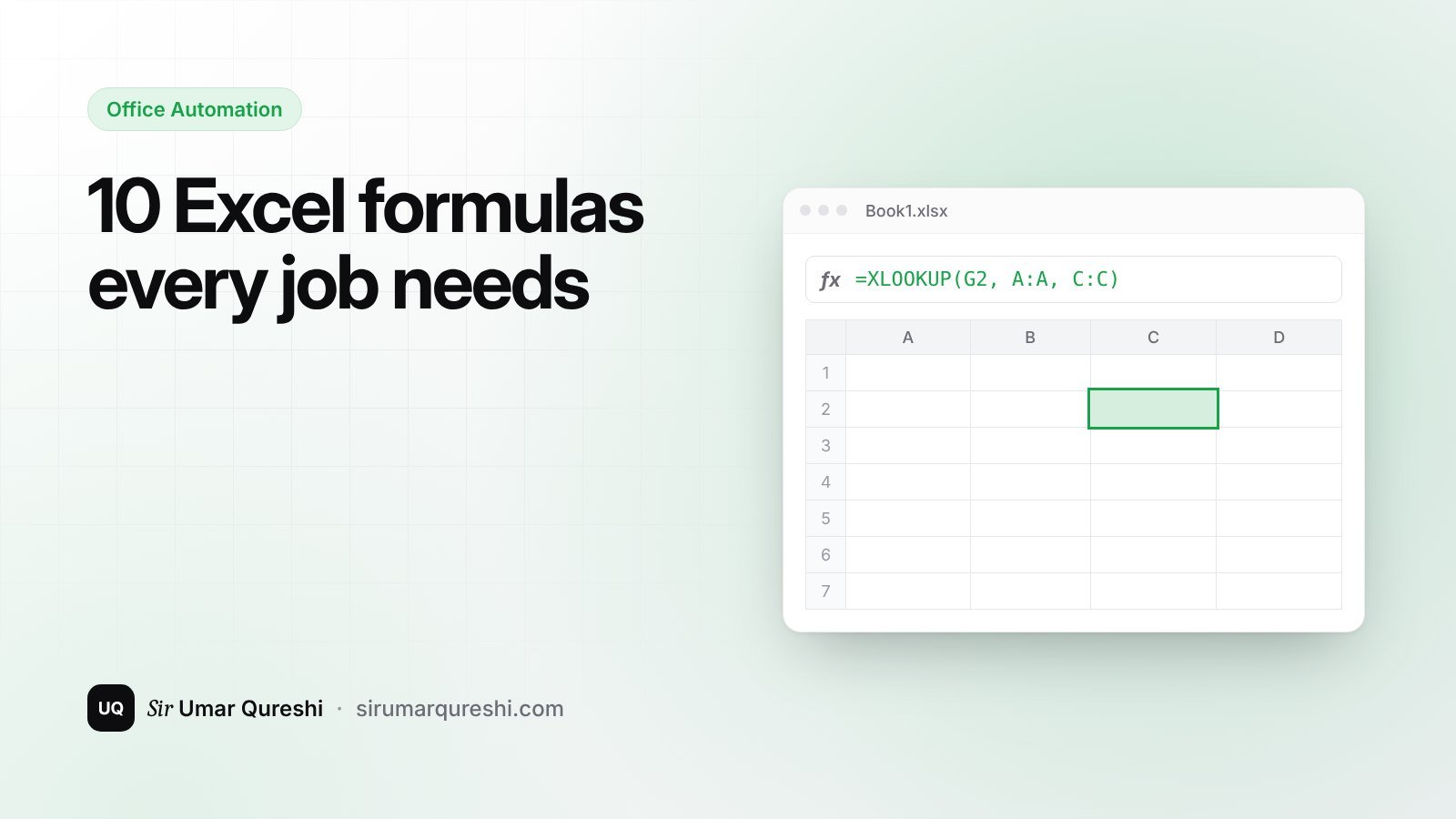
- XLOOKUP — finds a value in a table: =XLOOKUP(G2,A:A,C:C)
- TEXT — formats numbers and dates: =TEXT(A2,"dd-mmm-yyyy")
- CONCAT / & — joins text: =A2&" "&B2
- TRIM — removes extra spaces from imported data: =TRIM(A2)
- IFERROR — shows a clean result instead of an error: =IFERROR(XLOOKUP(...),"Not found")
How to practise
Make a small sheet of 20 students or 20 sales with names, cities, amounts and dates. Use every formula above on it. Then build a pivot table and a chart from the same data.
What to learn next
Once these feel easy, learn pivot tables, data validation and conditional formatting — then move to Power BI to turn your Excel data into interactive dashboards.
Frequently asked questions
Which Excel formula should I learn first?
Start with SUM, AVERAGE and IF, then move to COUNTIF, SUMIF and XLOOKUP — together they cover most everyday office tasks.
Is XLOOKUP better than VLOOKUP?
In versions of Excel that support it, yes: XLOOKUP can look left or right, returns exact matches by default and is easier to read.