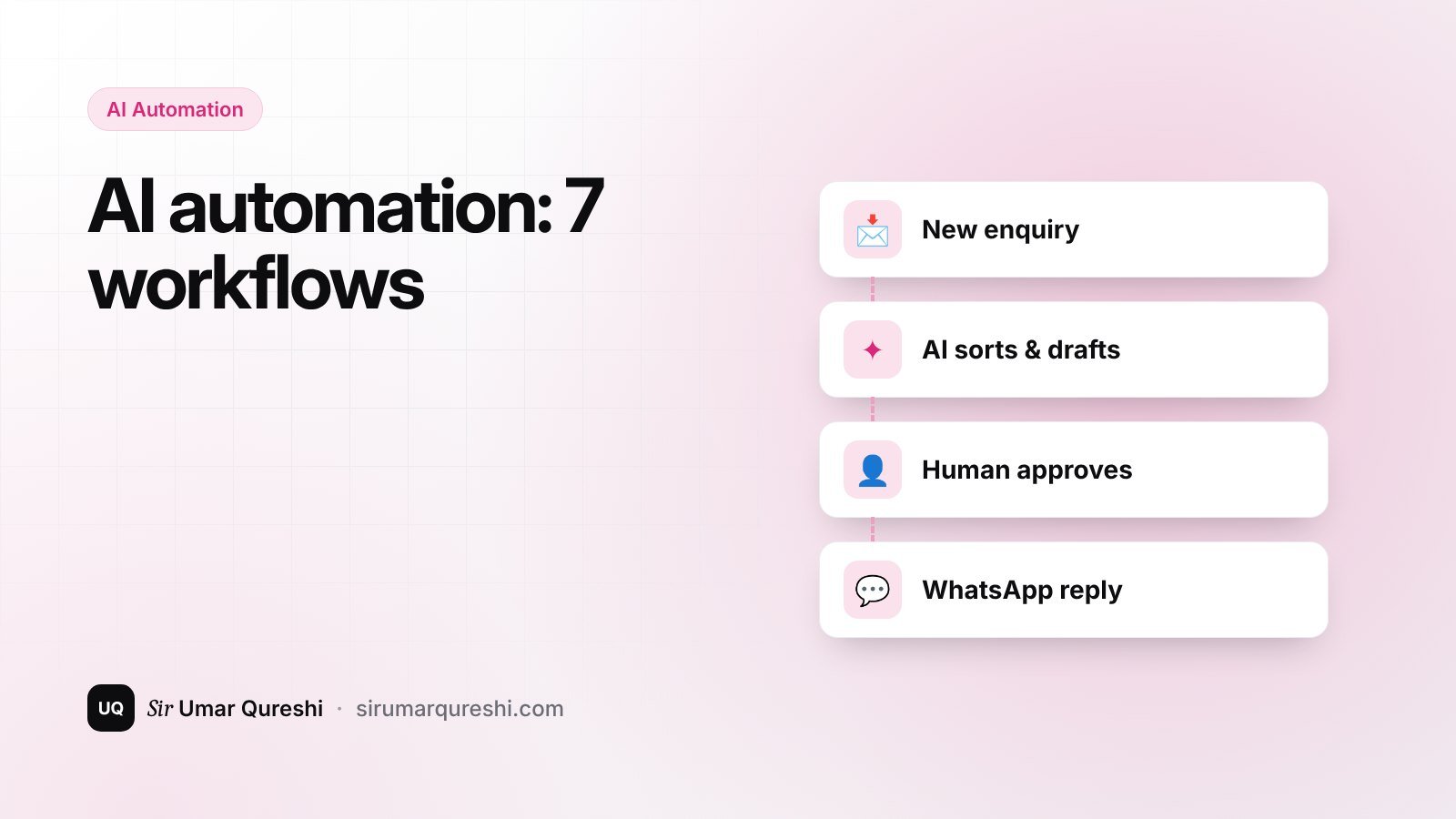
AI automation means connecting an AI model to your everyday tools — WhatsApp, email, forms, spreadsheets — so repetitive tasks happen automatically while a human approves what matters. For a small business or academy, the right three or four automations can save many hours every week without hiring extra staff.
Start here: what to automate first
Automate tasks that are frequent, repetitive and low-risk. Keep a human in the loop for anything involving money, complaints or personal data.
| Automate first | Keep human-approved |
|---|---|
| FAQ replies and enquiry sorting | Refunds and payments |
| Order and admission follow-ups | Complaints and disputes |
| Content drafts and captions | Final published posts |
| Weekly reports and summaries | Decisions based on those reports |
1. Answer common customer questions instantly
Train a chatbot on your own FAQ: prices, timings, delivery areas, course fees. Put it on your website and WhatsApp Business. When it is unsure, it hands the chat to a person.
2. Sort and summarise enquiries
Every contact form message is automatically categorised (sales, support, admissions), summarised in one line and sent to the right person. The admin panel on this website already stores every enquiry with its type — adding AI summaries is the next step.
3. Follow up on orders and admissions
- Order confirmed → automatic WhatsApp/email with tracking.
- Delivered → a review request a few days later.
- Admission form started but not completed → a friendly reminder the next day.
4. Create content faster
Turn one long video, class or blog post into captions, short posts and an email newsletter. AI writes the first draft; you add your voice and facts before publishing.
5. Weekly business reports
Pull sales or enrolment data from a spreadsheet every Monday and receive a plain-English summary: what grew, what dropped, what needs attention. Combine it with a Power BI dashboard for the full picture.
6. Extract data from documents
Invoices, receipts and forms are read by AI and entered into a spreadsheet automatically — with a person checking anything unusual.
7. Internal knowledge assistant
Give staff a private assistant that answers questions from your own policies, price lists and procedures, so new team members don't need to ask the same questions repeatedly.
How to build your first automation in a week
- List your ten most repetitive tasks and how long each takes per week.
- Pick the one with the most time and the least risk.
- Write the exact steps a human follows today.
- Build it with an automation platform or a small custom script connected to an AI API.
- Run it with human approval for two weeks, fix mistakes, then let it run.
💡 Tip: Protect privacy: don't send sensitive customer data to AI tools without consent and a clear policy, and choose providers that state how they handle your data.
Frequently asked questions
Is AI automation expensive for a small business?
Not necessarily. Many workflows run on low-cost tools and pay-as-you-go AI usage. The time saved usually outweighs the cost quickly — start small and measure.
Will AI replace my staff?
In small businesses, automation usually removes boring work so your team can focus on customers, sales and quality.
Do I need to know coding?
Simple automations can be built with no-code tools. Custom integrations with your website or app need a developer.
Want an automation built for your business, or training for your team? Get in touch.