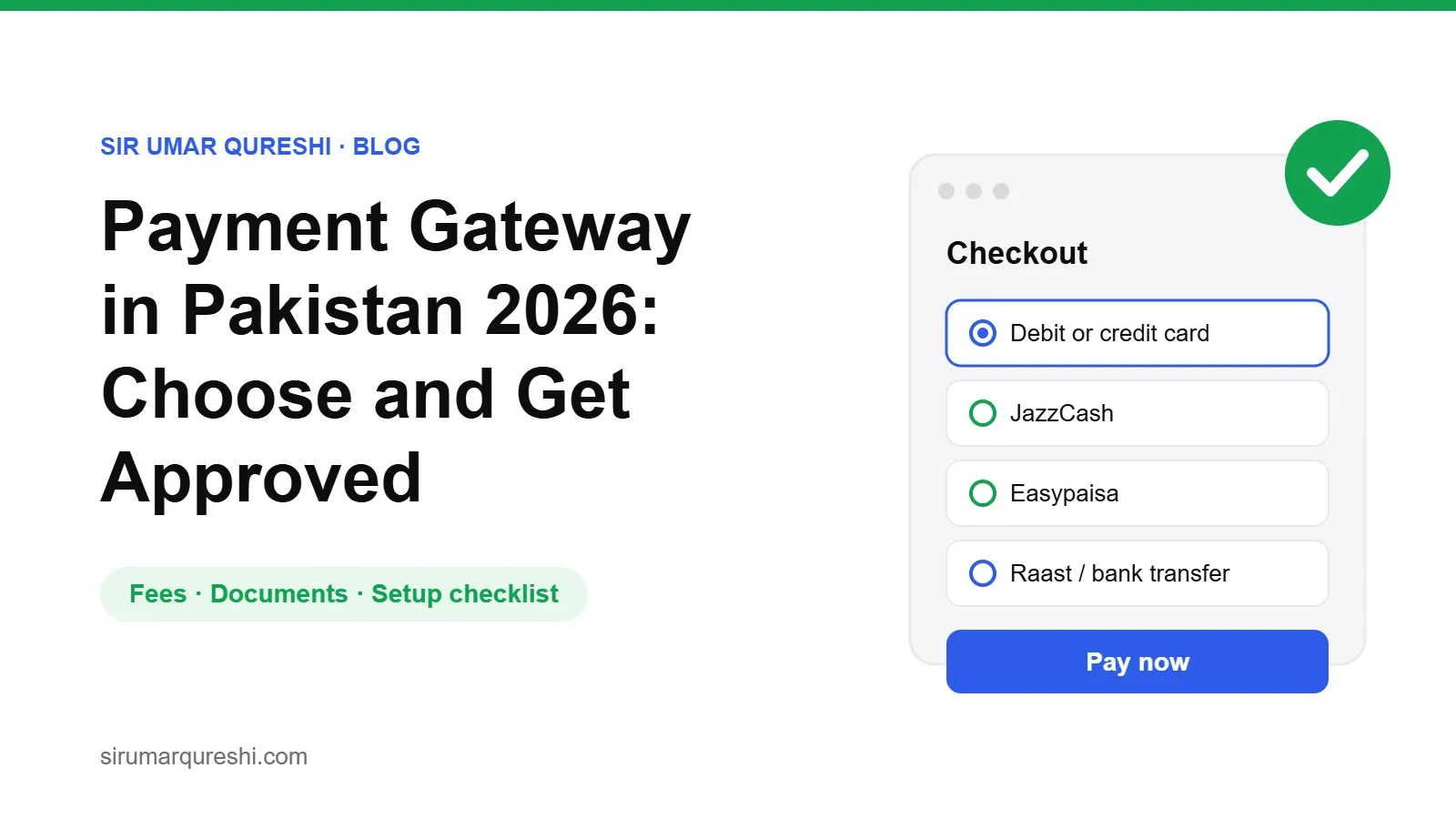
The right payment gateway in Pakistan for most new stores is a licensed local aggregator that accepts cards, JazzCash, Easypaisa and bank transfers through one account. To get approved, you need an NTN, a bank account in your business name, a live website with refund and privacy pages, and a few days for checks. This guide shows you how to compare the options, read the fee sheet and pass approval the first time.
I build online stores and marketplaces, including OnePlace, and payments are often the step that holds a launch back. The code is rarely the hard part. The paperwork, the policy pages and the fee sheet need more care. So treat this as a checklist you can work through with a pen, one step at a time.
What Is a Payment Gateway, and Why Does Your Store Need One?
A payment gateway is the service that sits between your checkout page and the banks. When a buyer enters a card number or approves a wallet payment, the gateway sends the request, gets a yes or no, and later moves the money into your bank account.
Without one, you are left with bank transfers and screenshots on WhatsApp. That works for ten orders a month. It breaks at a hundred, because every payment needs a human to check it, and fake screenshots are common.
A good gateway gives you three things:
- Automatic confirmation. The order is marked paid the moment the bank approves it, with no manual checking.
- Several payment methods in one place. Cards, mobile wallets and bank transfers appear on the same checkout.
- A clean record. Every payment, refund and payout is logged, which helps with accounts and tax.
Gateway, aggregator and processor in plain words
You will see these terms used loosely. A processor talks to the card networks and banks. A gateway is the technical connection your website uses. An aggregator signs up many small merchants under its own agreements with banks and wallets, so you do not need a separate contract with each one. Most small Pakistani stores sign up with an aggregator, because one application covers every method.
Why Can't You Just Use Stripe or Shopify Payments?
It is a fair question, since so many tutorials assume Stripe. The short answer: Pakistan is not on the list. Stripe's global availability page lists Hong Kong, India, Indonesia, Japan, Malaysia, Singapore, Thailand and the UAE for Asia, but not Pakistan. A Simpaisa setup guide from June 2026 also notes that Shopify Payments is not available here, so Shopify stores must add a third-party gateway.
You will find online tutorials that promise a Stripe account through a foreign company or a borrowed address. Be careful. If the account details do not match your real business, the account can be frozen with your money inside it. For a store that sells mainly to Pakistani buyers, the practical Stripe alternative in Pakistan is a local, licensed gateway.
Warning: Never open a payment account in someone else's name or with a borrowed address. If the gateway asks for documents later and they do not match, your payouts can be held.
Which Payment Methods Do Pakistani Buyers Use Today?
Before you pick a provider, look at how people in Pakistan pay. The State Bank of Pakistan's payment systems report for October to December 2025, released on 19 March 2026, gives a clear picture:
- 92% of 3.4 billion retail transactions in that quarter went through digital channels, up from 88% a year earlier.
- Mobile apps from banks, branchless banking players and electronic money institutions handled 2.6 billion transactions, or 83% of digital payments.
- Raast, the State Bank's instant payment system, recorded 33.6 million person-to-merchant payments worth PKR 167.6 billion.
- There were 66.7 million payment cards in circulation, and 87% of them were debit cards.
Two lessons follow. First, mobile apps and wallets are where most digital payments happen, so JazzCash and Easypaisa must be on your checkout. Second, most cards are debit cards, so your gateway must handle local debit cards well, not just international credit cards.

Raast deserves a special mention. In late 2024, the State Bank told banks, microfinance banks and electronic money institutions to enable Raast person-to-merchant payments by 31 March 2025, and to switch it on for new merchants during onboarding, as Profit by Pakistan Today reported. When you compare providers, ask whether Raast is part of their checkout.
What Are Your Options for a Payment Gateway in Pakistan?
You will meet four kinds of provider. Here is how they compare for a small or medium online store.
| Type | Examples | What you get | Best for |
|---|---|---|---|
| Local aggregator | Safepay, XPay, Simpaisa | One account for cards, wallets and bank transfers, plus plugins | New and growing stores |
| Licensed gateway | PayFast (by APPS) | Cards, wallets and bank accounts under its own State Bank licence | Stores that want a direct licensed operator |
| Direct wallet merchant | JazzCash, Easypaisa | One wallet only, with its own store ID and API | Stores whose buyers mostly use one wallet |
| Bank gateway | Your bank's e-commerce service | Card acceptance tied to your bank account | Larger firms with an existing banking relationship |
Local aggregators
An aggregator is usually the fastest start. Safepay publishes its fee sheet, and a PhotonPay overview from April 2026 notes that it offers APIs and plugins for Shopify, WooCommerce and Magento. XPay sells Shopify and Magento plans. Simpaisa says one API and one KYC review cover cards, JazzCash, Easypaisa and bank transfers. You fill one form, connect one plugin and get one payout.
Licensed gateways
PayFast is run by Avanza Premier Payment Services (APPS). ProPakistani reported that it was the first gateway in Pakistan to receive a commercial licence from the State Bank under the payment operator and provider rules. It accepts scheme cards, mobile wallets and bank account payments, and it holds PCI-DSS certification.
Direct wallet integrations
You can also sign up with a wallet directly. For Easypaisa, the Simpaisa Easypaisa guide describes the direct route: apply as a merchant, pass KYC, receive a store ID and API credentials, then test in a sandbox before you ask for production access. Ready-made plugins exist for WooCommerce, OpenCart, Magento and PrestaShop. The catch is that a direct deal covers one wallet. If you want cards and the other wallet too, you sign more contracts and maintain more code.
How Much Does a Payment Gateway Cost?
The main cost is the merchant discount rate, or MDR: a percentage the gateway keeps from each successful payment, sometimes with a small fixed fee on top. Read every line of the fee sheet, not just the headline rate.
One published example
Safepay publishes its rates openly. Its fee breakdown page, updated in January 2026, lists 2.9% plus Rs 30 for domestic transactions and 3.2% plus Rs 30 for international ones, both before tax. It also says there are no yearly fees and no minimum balance.
Example only: on a Rs 5,000 domestic order at that rate, the fee is Rs 145 plus Rs 30, so Rs 175 before tax. On a Rs 1,000 order, it is Rs 29 plus Rs 30, so Rs 59. That fixed Rs 30 hurts small orders much more than big ones. If your average order is small, ask each provider for a rate with no fixed part.
Typical ranges and the hidden lines
Most providers quote privately, so ranges are what you can compare. Simpaisa's setup guide gives typical MDR of 1.5% to 2.5% for mobile wallets, 2.0% to 3.5% for cards, and a flat PKR 15 to 30 for bank transfers. Its guide to payment gateway fees adds the lines people forget:
| Fee line | What it is | Range quoted by Simpaisa |
|---|---|---|
| Setup or integration | One-time charge to open the account | Waived by some; PKR 10,000 to 100,000+ by others |
| Chargeback | Charged when a cardholder disputes a payment | PKR 2,000 to 8,000 per case |
| Settlement time | Days until money reaches your bank | T+1 or T+2 is standard for PKR |
| Annual maintenance | Yearly account fee | Varies; ask in writing |
Keep in mind that these ranges come from a payment company's own blog, so use them as a starting point for questions, not as fixed prices. Ask each shortlisted provider to send its full fee schedule by email.
Payment fees are only one part of running a store. If you are still pricing the website itself, my guide to website development cost in Pakistan breaks down the rest of the bill.
Which Payment Gateway in Pakistan Fits Your Store?
There is no single best provider for everyone. The right payment gateway in Pakistan depends on what you sell, where you sell it and how much time you have for setup. Use these three example profiles to narrow your shortlist. They are illustrations, not real clients.
Example 1: a new Shopify or WooCommerce store
You sell clothing or accessories and expect a modest number of orders in the first months. You want to accept online payments in Pakistan quickly, with cards and both major wallets. An aggregator with an official plugin is the natural fit. Compare two of them on full fees, payout days and how good their support is when a payment fails.
Example 2: a service business or academy
You collect course fees or service deposits, often from parents or clients who prefer wallets. A hosted checkout or payment links may be enough, with no full store at all. Check whether the provider supports payment links and whether a direct Easypaisa payment gateway or JazzCash merchant account would cover most of your buyers on its own.
Example 3: a custom platform or marketplace
You are building your own system with many sellers, split payouts or held funds. Here, documentation quality matters more than the headline rate. Ask for API docs, sandbox access and webhook details before you sign. Also ask how the provider handles refunds and payouts to several sellers, because that is where custom builds get complicated.
What Documents Do You Need to Get Approved?
This is where most applications slow down. Safepay's document list is a good model, because most providers ask for something similar.
Sole proprietor
- CNIC, front and back
- Bank account maintenance certificate in your or your business's name, dated within the last three months
- NTN certificate from FBR
Partnership
- CNICs of all partners
- Bank account maintenance certificate in the partnership's name, dated within three months
- NTN certificate for the partnership
- Partnership deed, notarised
Private or public limited company
- SECP certificate of incorporation (certified true copy)
- Form I or II if the company is under a year old, or Form A if older
- CNICs of all directors, shareholders and ultimate beneficial owners
- Bank account maintenance certificate in the company's name, dated within three months
- NTN certificate for the company
Your website must be ready too
Paperwork is half the review. The other half is your website. The Simpaisa setup guide says most gateways will not onboard a store that is still in "coming soon" mode, and that reviewers check your refund and privacy policies. It also makes sense to show clear prices, a working contact method and real product pages, because a reviewer has to understand what you sell. Fix these before you apply, not after a rejection email.

How Do You Apply? A 7-Step Approval Plan
Here is a sensible order to work in. Each step removes a reason for delay.
- Open the business bank account first. The Simpaisa guide calls this the slowest step, so start it before anything else. The name on the account must match your NTN and your website.
- Get or update your NTN. Make sure the business name and address match your bank records.
- Finish the website. Publish real products, prices, delivery terms, a refund policy, a privacy policy, terms of sale and a contact page.
- Shortlist two or three providers. Compare methods, full fees, settlement time, plugin support and the quality of their documentation. Do not choose on the headline rate alone.
- Submit one complete application. Upload every document in one go, with clear scans. The Simpaisa guide expects a first response in 2 to 5 business days, and full onboarding in 1 to 2 weeks once documents are ready.
- Answer KYC questions quickly. Reviewers may ask what you sell, your expected monthly volume, or for a product invoice. A same-day reply keeps your file moving.
- Receive test keys and integrate. Most providers give sandbox or test credentials first and switch on live keys after a final check.
If you sell high-risk items, expect more questions. The Simpaisa guide notes that restricted categories face extra scrutiny. When in doubt, ask the provider before you apply.
Plugin, Hosted Page or API: How Should You Integrate?
Once approved, you connect the gateway to your store. There are three common routes.
| Route | How it works | Effort | Good for |
|---|---|---|---|
| Plugin | Install the provider's app and paste API keys | Low | Shopify, WooCommerce, Magento stores |
| Hosted checkout | Buyer is sent to the gateway's page to pay, then back | Low to medium | Simple custom sites |
| Direct API | Your code creates payments and listens for results | Medium to high | Custom platforms and marketplaces |
WooCommerce and Shopify
For a WooCommerce payment gateway in Pakistan, look for an official plugin from the provider itself, not a random third-party file. Safepay has plugins for Shopify, WooCommerce and Magento, and its Shopify app is free to install, with Safepay's normal transaction fee applying. On Shopify, check the provider's listing in the app store and confirm it supports the methods your buyers use. XPay's pricing page lists separate Shopify and Magento plans and asks custom platforms to contact sales.
Custom websites and the API route
If you are building your own platform, as I did for OnePlace, the API route gives you full control. A typical JazzCash payment gateway integration, whether direct or through an aggregator, follows the same pattern as cards:
- Your server creates a payment request with the order ID and amount.
- The buyer approves it, often with an OTP or a prompt inside the wallet app.
- The gateway sends a webhook, a server-to-server message, to confirm the result.
- Your server checks the signature on that message and only then marks the order paid.
Step 4 is the one beginners skip. Never mark an order paid because the buyer landed on your "thank you" page. That page can be opened by anyone. Trust only the signed webhook or a status check from your server.
If you are deciding which stack to build on, my Next.js vs WordPress comparison covers the trade-offs, and the platform build guide explains how payments fit into a full marketplace.
How Should You Test Before Going Live?
Testing is cheap. Fixing a broken checkout during a sale is not. Run these checks in the sandbox, then repeat a few with small real payments after go-live.
- Pay with each method you offer: a debit card, a credit card, JazzCash, Easypaisa and a bank transfer. The Simpaisa guide suggests at least three test payments per method.
- Cancel a payment halfway and confirm the order stays unpaid.
- Enter a wrong OTP and confirm the buyer sees a clear message.
- Issue a full refund and a partial refund, and check both appear in your dashboard.
- Turn off your internet during a payment and confirm the webhook still updates the order later.
- Check the payout reaches your bank on the promised day.
Tip: In the first week after launch, watch your approval rate for each method. The Simpaisa setup guide sets a target of 90% or more for cards and 95% or more for wallets. A rate far below that usually points to a setup or OTP problem you can fix with the provider.
Which Mistakes Get Applications Rejected or Cost You Money?
These problems are common and easy to prevent. Avoid them and you can save weeks.
- Names that do not match. The bank account, NTN and website show three different business names. Reviewers stop here.
- Applying with a half-built site. Empty product pages and "lorem ipsum" text read as a risk.
- Copied policy pages. A refund policy copied from a foreign store that mentions a different country or currency is easy to spot.
- Choosing on the headline rate. A low MDR with slow payouts, a setup fee and costly chargebacks can cost more than a higher simple rate.
- Trusting the redirect page. Marking orders paid without checking the webhook invites fraud.
- Offering one method only. Card-only checkouts lose the many buyers who pay with wallets.
- No plan for refunds. Decide in advance who approves refunds and how fast. Slow refunds lead to disputes and chargeback fees.
Where Does Cash on Delivery Fit?
A payment gateway does not mean you must drop cash on delivery overnight. Many buyers still trust COD, especially for a first order from an unknown store. The practical approach is to offer both, then make online payment the easy choice: show wallets first on the checkout, and confirm every COD order before you ship it.
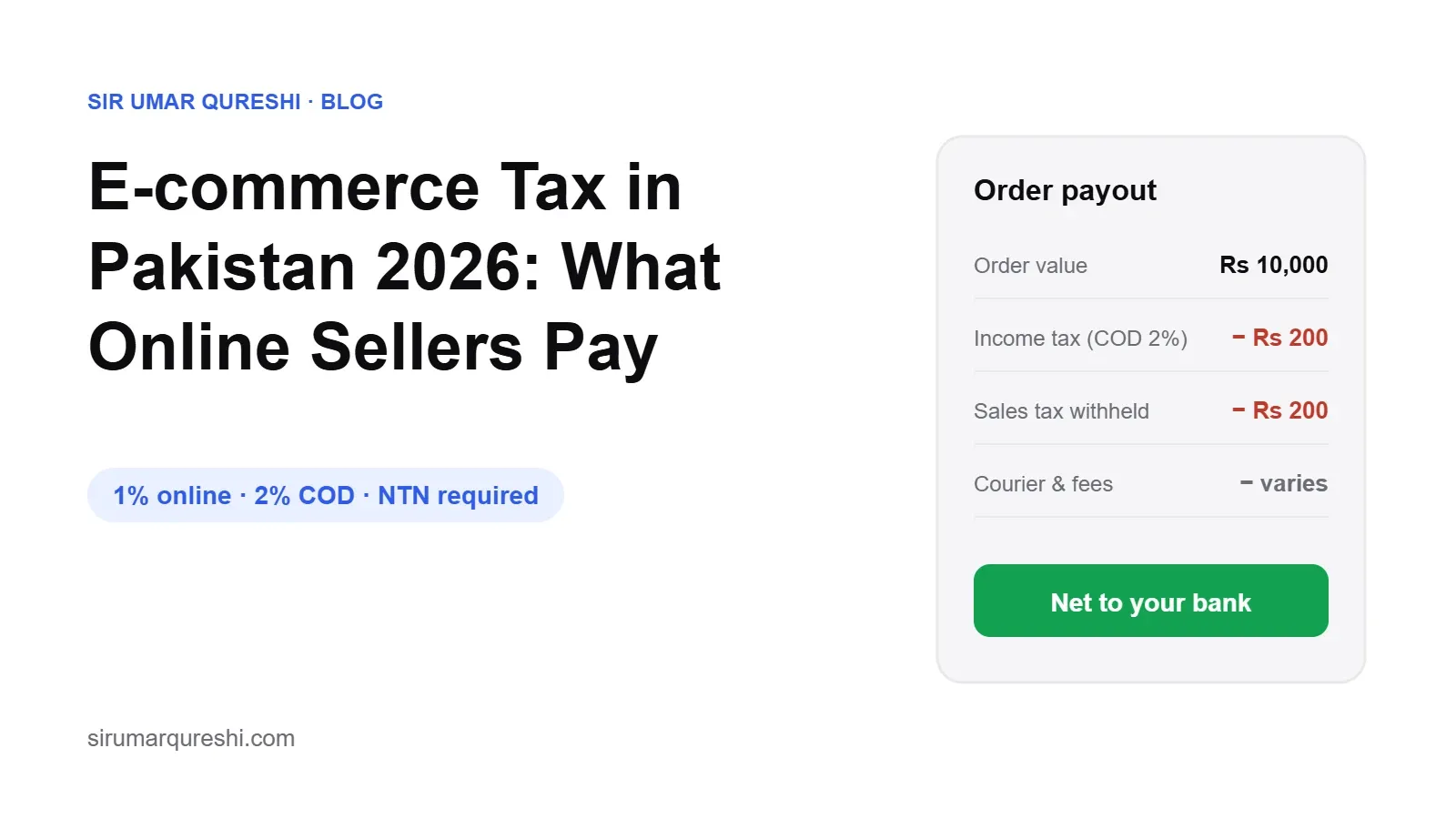
Tax is another reason to encourage digital payments. Payment intermediaries now deduct withholding tax on digitally ordered goods, and the rate depends on how the buyer paid. My guide to starting an online store in Pakistan covers the current rates and COD rules, and you should confirm your own position with a tax adviser.
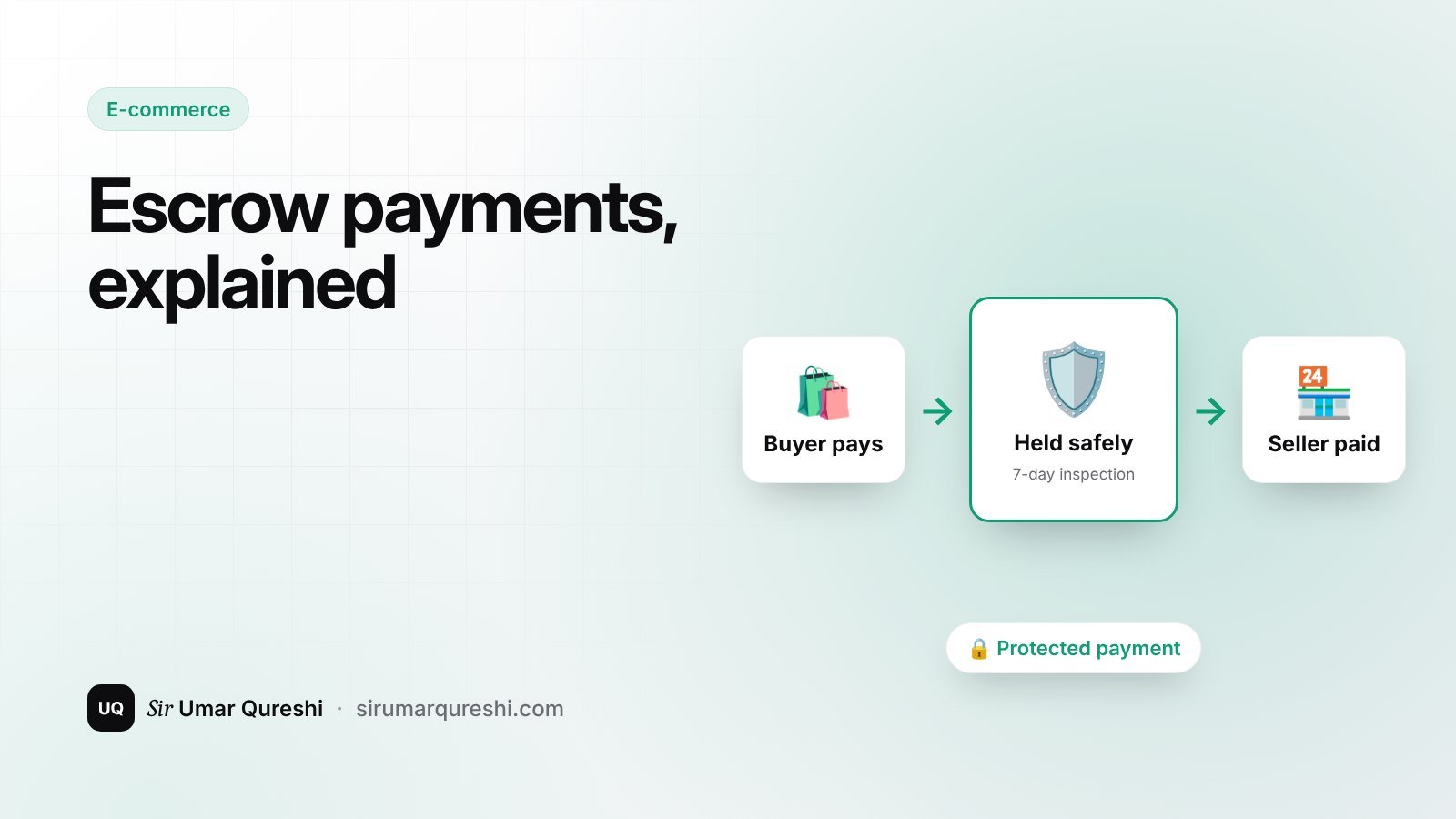
For high-value or marketplace sales, buyers may want more protection than a normal card payment gives. That is where escrow helps, and my escrow payment guide explains how it works alongside a gateway.
Your One Step This Week
Do not start with code. Start with names. Today, put your CNIC, NTN certificate and bank account details side by side and check that the business name and address match exactly. Then check that your website shows the same name, a refund policy, a privacy policy and a contact page. If all of that lines up, you are ready to apply to two providers this week.
Choosing a payment gateway in Pakistan is mostly about preparation. If you would like help setting up payments on a new or existing store, see my web development services or get in touch.